Quick answer: Lifecycle email uses a meaningful customer event to send a useful next message. Start with a defined trigger and exit condition, then use AI where interpreting a question or preparing a draft adds value.
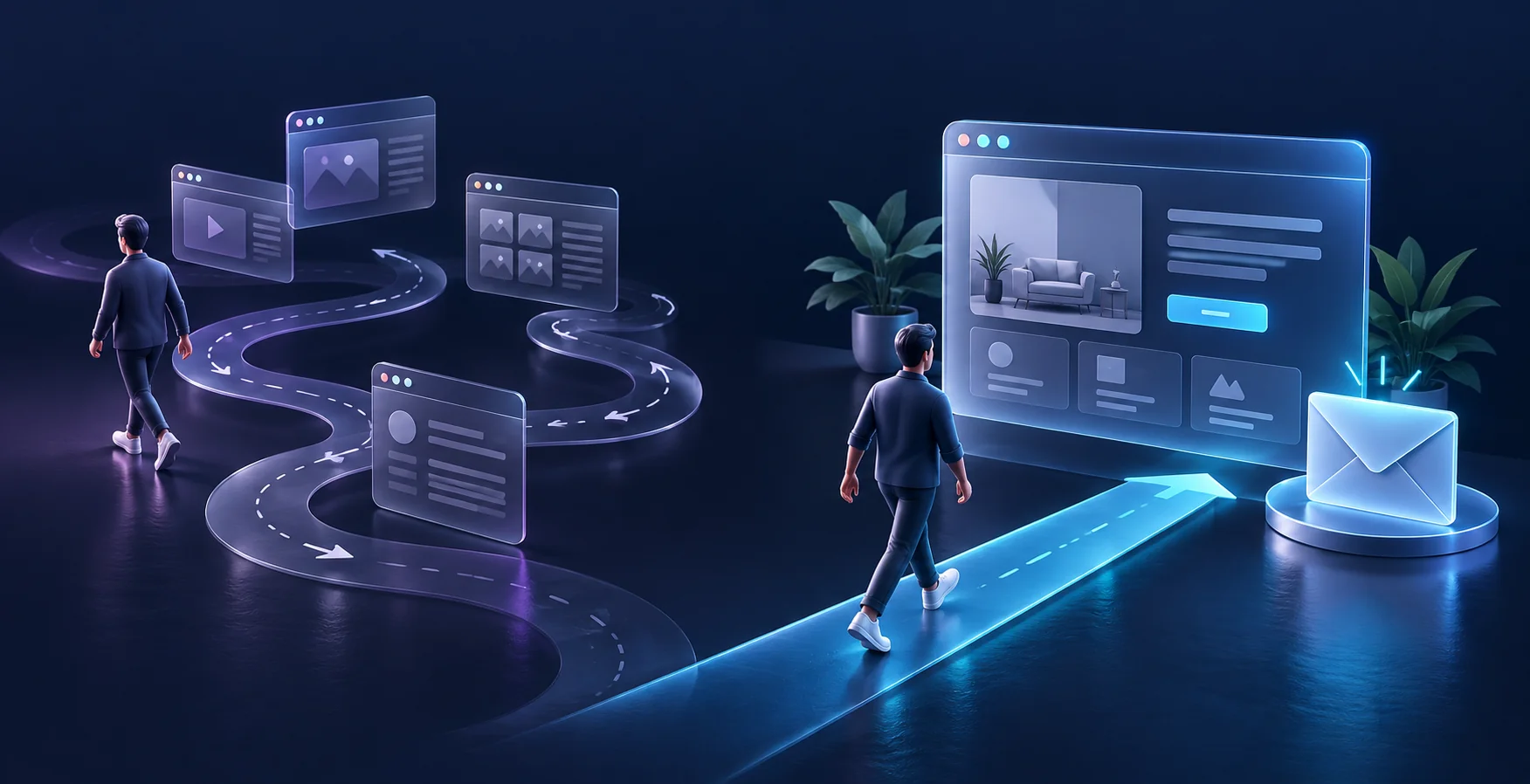
Map events rather than a string of messages
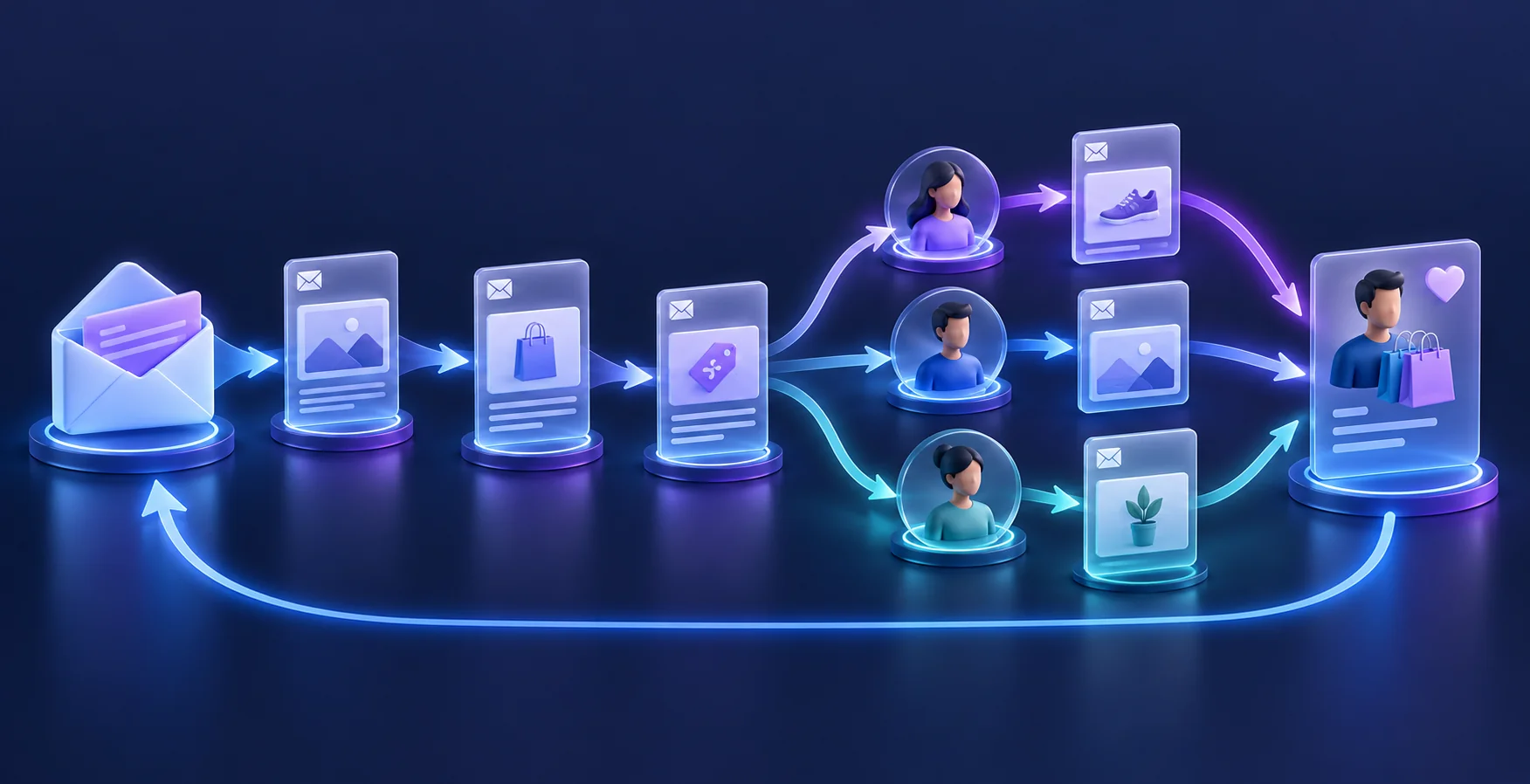
A welcome, an abandoned inquiry and a post-purchase check-in serve different needs. For each journey, identify the event, intended recipient, message purpose and condition that stops further contact. A purchase, reply or unsubscribe should update the flow appropriately. Do not build a long sequence before confirming that the system recognizes those events correctly.
Keep the customer record authoritative
An LLM should not decide whether someone bought a product based on ambiguous conversation alone. Read order and subscription status from the appropriate system. Separate operational messages from marketing permissions using your email provider’s supported controls. Test duplicate events, delayed updates and a customer who replies while another message is queued. Those edge cases determine whether the automation feels coordinated.
Use AI for a bounded drafting task
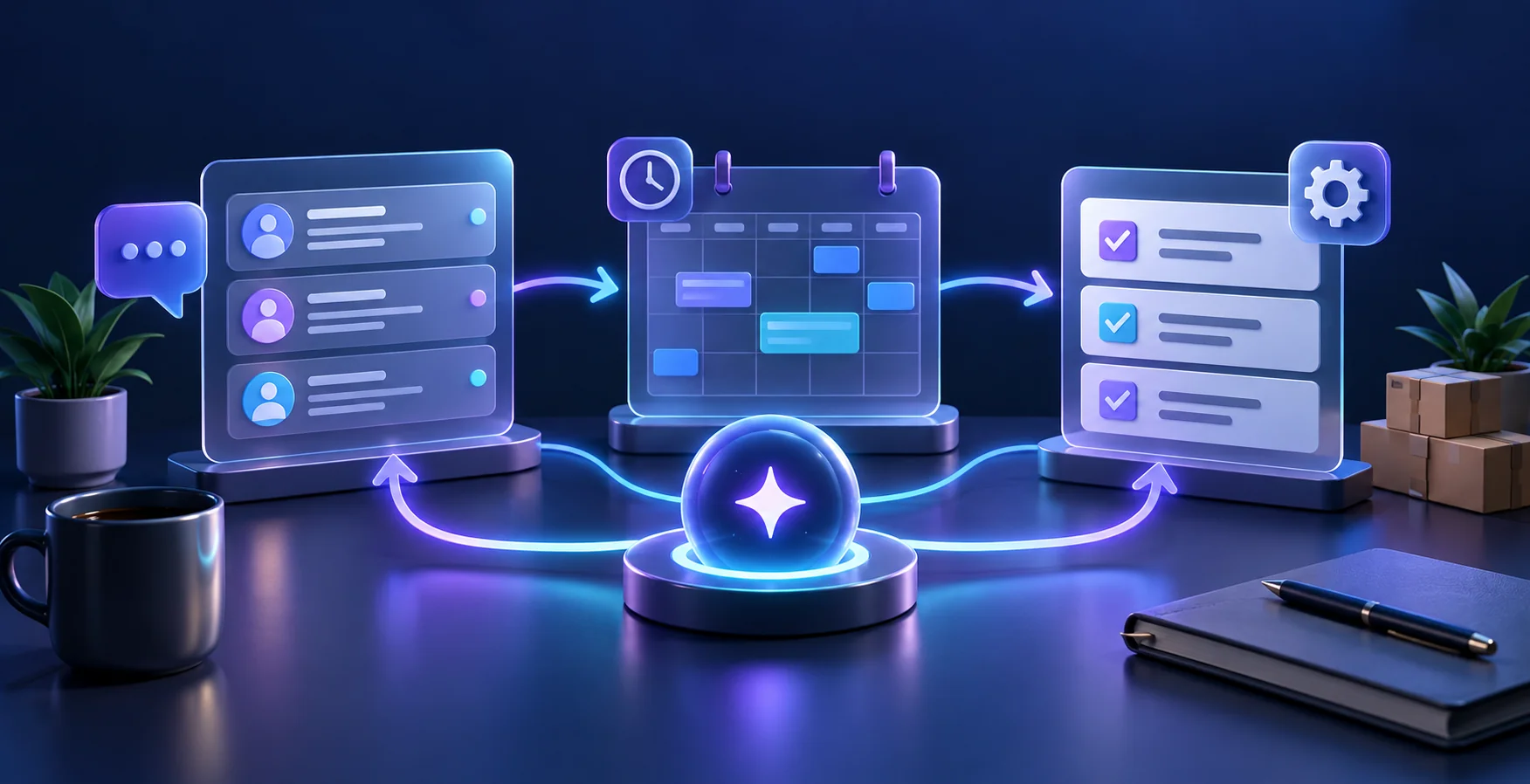
An email assistant can consult approved delivery and returns information, summarize a customer’s question and prepare a reply for review. An agent can also propose a next step in connected software, but refunds, address changes and commitments need clear approval rules. OpenAI’s introduction to agents illustrates the shift from answering questions to completing tasks. Start with drafts and a review queue, and record whether the resulting replies actually resolve the customer’s need.
Evaluate the journey beyond opens
For a hypothetical software trial, compare activation, helpful replies, unsubscribes and paid conversions across a defined cohort. An email open is an imperfect observation and should not determine intent on its own. Inspect actual message samples and customer questions. Improve a confusing setup step before adding another reminder, and keep a person responsible for exceptions and outdated source material.
A practical scorecard
Frequently asked questions
Does every email need AI?
No. Stable confirmations and known rules are often better handled with ordinary templates and automation.
Can AI send replies automatically?
Begin with reviewed drafts. Expand only for well-defined cases with reliable sources, limits and monitoring.
What should stop a sequence?
Relevant completion events, replies requiring attention, opt-outs and any exclusions defined for that journey.
Are opens enough to measure success?
No. Review customer progress, meaningful replies and completed outcomes as well.
What is the safest first lifecycle pilot?
Choose one short journey with a clear event, reliable records and an easily checked result.
Sources and useful business resources
Put the idea into practice
Explore CRM & Follow-Up Automation. For help applying this approach to your current workflow, request a free consultation.